Your AI lives in a browser tab. Your emails live in Outlook. Your data lives in Excel files on your desktop. Your ERP lives on the company server. None of them talk to each other.
You spend your day being the copy-paste middleman: copying an email into the AI, pasting the response back, downloading the output, uploading to another tool.
MCP is the bridge that connects your AI to your actual work tools — so you can stop being the middleman.
Want this working in your own office? There is no standard method — the Insight PDFs first diagnose your business nature, then hand you my exact prompts to customize for YOUR office. Pay once, use forever.
Get the Insight PDFs — USD 9.99What is MCP?
MCP stands for Model Context Protocol. It's a standard way for AI tools to connect to external applications and data sources. Think of it as a universal adapter that lets your AI talk to other software.
When you install an MCP server, you're giving your AI tool (like Claude Code) the ability to read from and write to another application — your email, your calendar, your file system, or even your company database.
The Factory Analogy
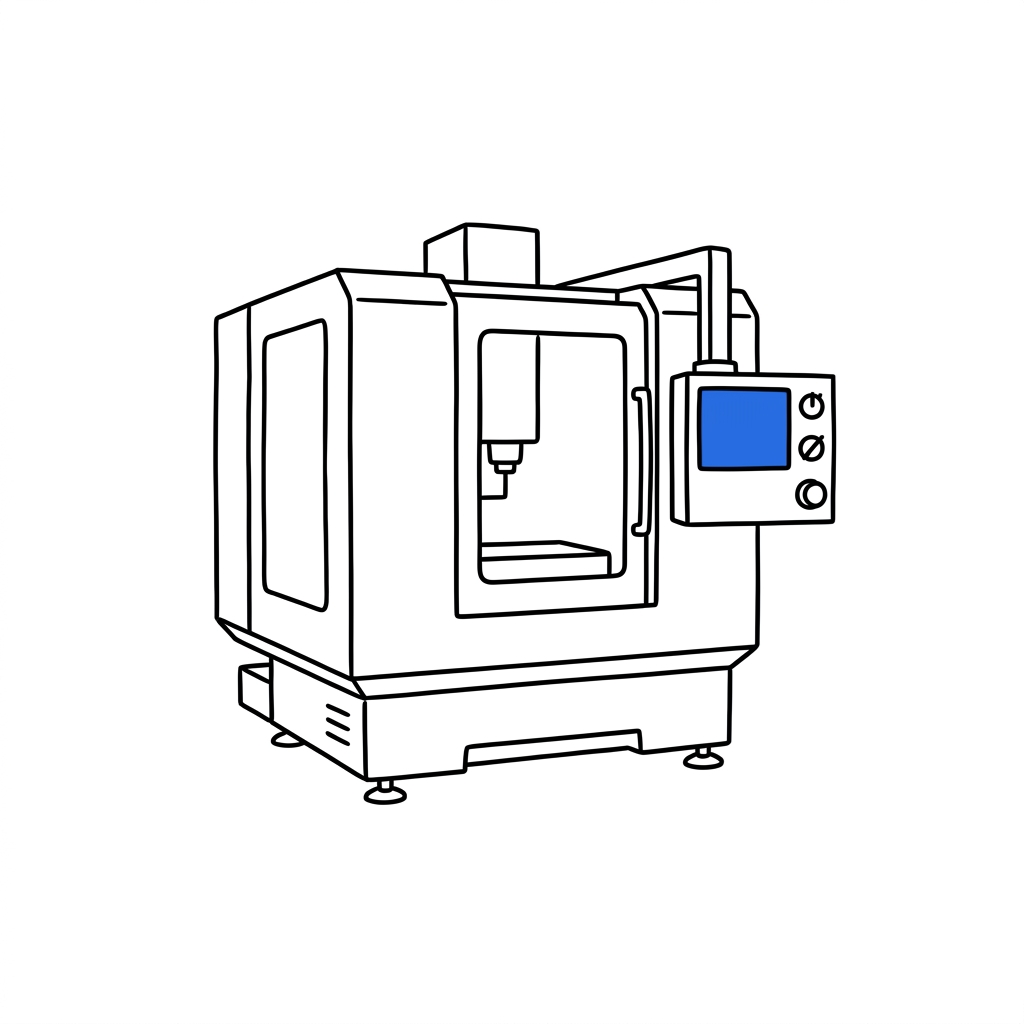
Your factory has different machines from different manufacturers — Fanuc, Mazak, Haas. Each speaks its own control language. To get them to share data (for OEE tracking or scheduling), you need a protocol — a common language they all understand. In manufacturing, that's often OPC-UA or MT Connect. For AI tools, it's MCP.
MCP is the OPC-UA of the AI world. It's a standard that lets different AI tools connect to different applications through a common interface.
How MCP Works
| Component | What It Is | Factory Equivalent |
|---|---|---|
| MCP Host | Your AI tool (e.g., Claude Code) | The operator at the workstation |
| MCP Server | A small program that connects to a specific app | The communication adapter on each machine |
| External App | The tool being connected (Outlook, database, etc.) | The CNC machine itself |
When a BD manager sets up MCP, he installs a small MCP server program on his computer. That program knows how to talk to Microsoft's email system (Graph API). Claude Code talks to the MCP server. The MCP server talks to Outlook. The result: Claude can read, search, and draft emails without ever opening a browser.
What Can MCP Connect To?
- Email — Read your inbox, search for messages, draft replies (Outlook, Gmail)
- Calendar — Check your schedule, find available slots
- File systems — Read and write files on your computer or network drives
- Databases — Query your company data directly
- Web services — Pull data from APIs, websites, and cloud platforms
- Slack / Teams — Read and send messages in work channels
- GitHub — Manage code repositories (for technical teams)
New MCP servers are being created regularly. As the ecosystem grows, the number of tools your AI can connect to keeps expanding.
What MCP is NOT
- Not automatic. Someone has to set it up (one-time, ~60 minutes for most connections).
- Not cloud-based. The MCP server runs on YOUR computer. Your data stays local. No third-party cloud service involved.
- Not required. You can use AI perfectly well without MCP. It just removes the copy-paste friction.
- Not risk-free. Connecting AI to your email means the AI can read your emails. Set up permissions carefully.
The Bottom Line
MCP is a universal adapter that connects AI tools to your existing business applications. It runs locally on your computer and lets the AI read from and write to tools like Outlook, databases, and file systems.
You don't need MCP to start using AI. But once you're tired of copying and pasting between your AI and your work tools, MCP is how you eliminate that friction. Setup takes about 60 minutes. The time saved is permanent.